
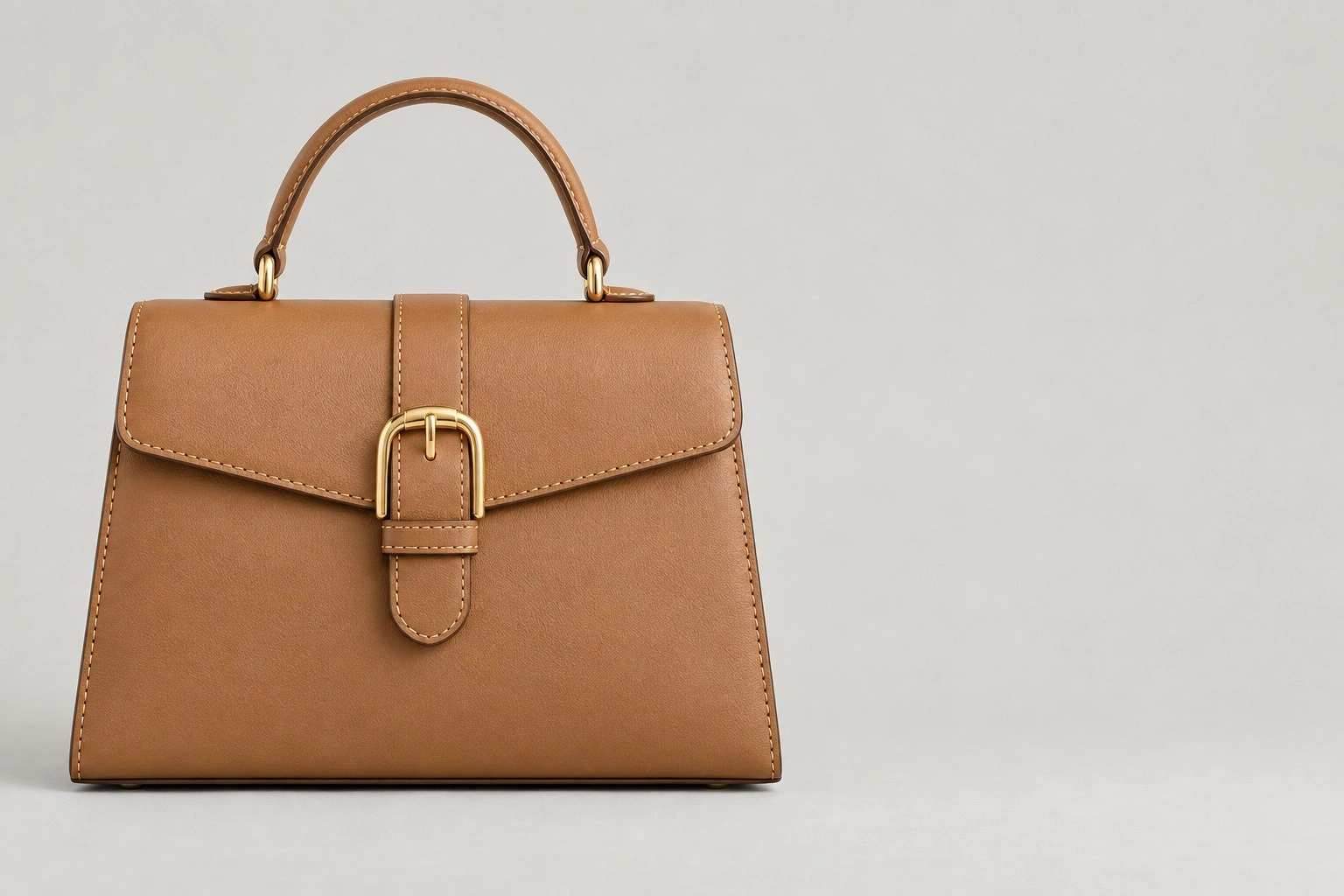
Detail zoom
Detail zoom: Gold-tone brass buckle · Zoom in: 2×
1 × Detail zoomDetail Zoom
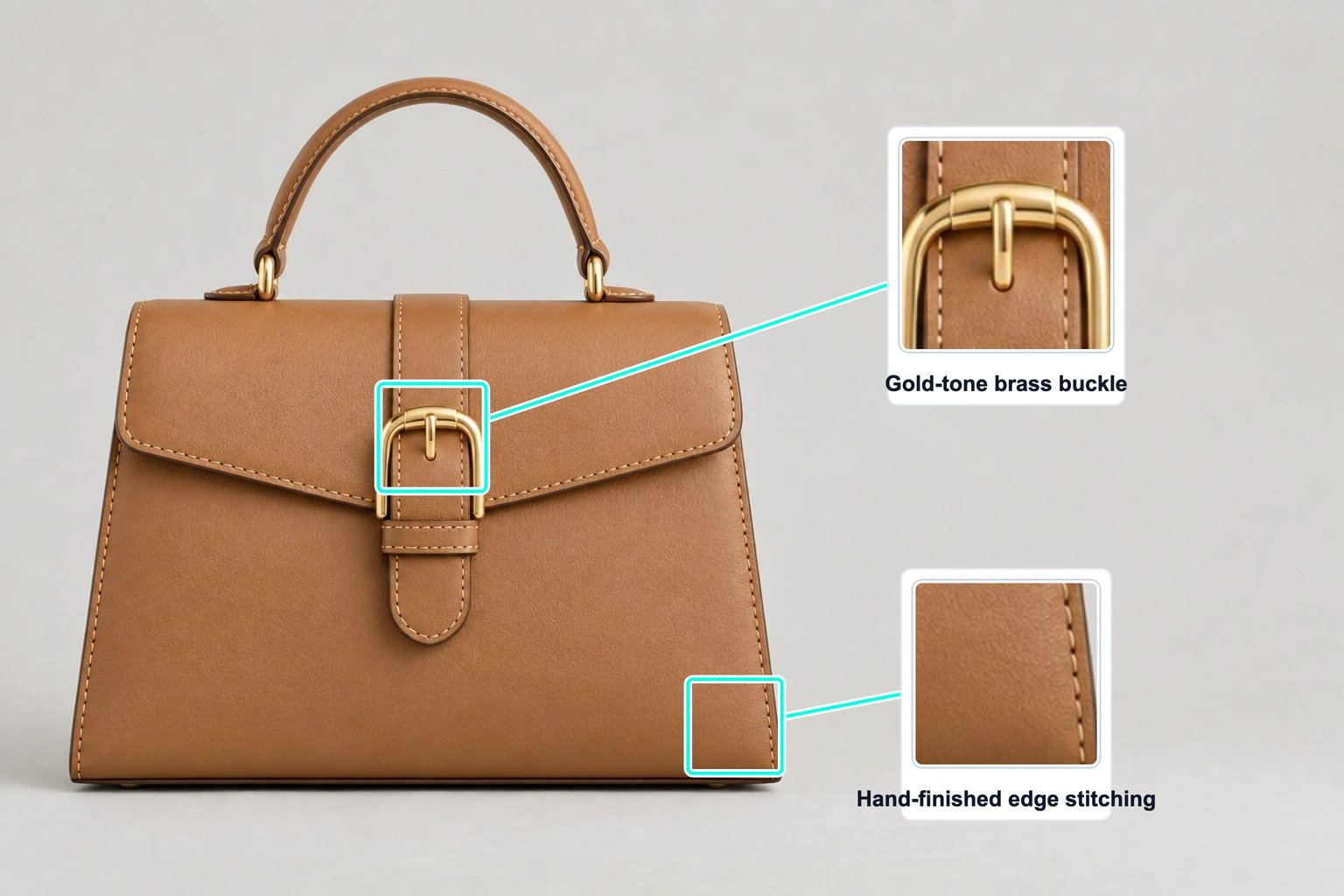
Highlight a handbag buckle and stitching with two linked detail close-ups. Use this editable layout with your own product photo.
Keep the layout. Add your photo and specifications.
Template overview
This example includes 2 annotations: Detail zoom. The values are illustrative, not measurements of your product.
Detail zoom: Gold-tone brass buckle · Zoom in: 2×
1 × Detail zoomDetail zoom: Hand-finished edge stitching · Zoom in: 2×
1 × Detail zoomSpecifications
These are example values. Replace them with your product’s verified measurements and specifications.
| Annotation | Value |
|---|---|
| Detail zoom | Gold-tone brass buckle |
| Zoom in | 2× |
| Detail zoom | Hand-finished edge stitching |
| Zoom in | 2× |
Getting started
Start with this editable example in the SizeMarker editor.
Replace the image and adjust the markers to fit your product.
Enter your actual measurements and specifications, check every label, then export.
FAQ
This example includes 2 annotations: Detail zoom. The values are illustrative, not measurements of your product.
Yes. Open the template, replace the photo and adjust the annotation positions, styles and values before exporting.
No. Enter measurements and specifications you have verified for your product.
Make it yours
Keep the layout. Add your photo and specifications.