
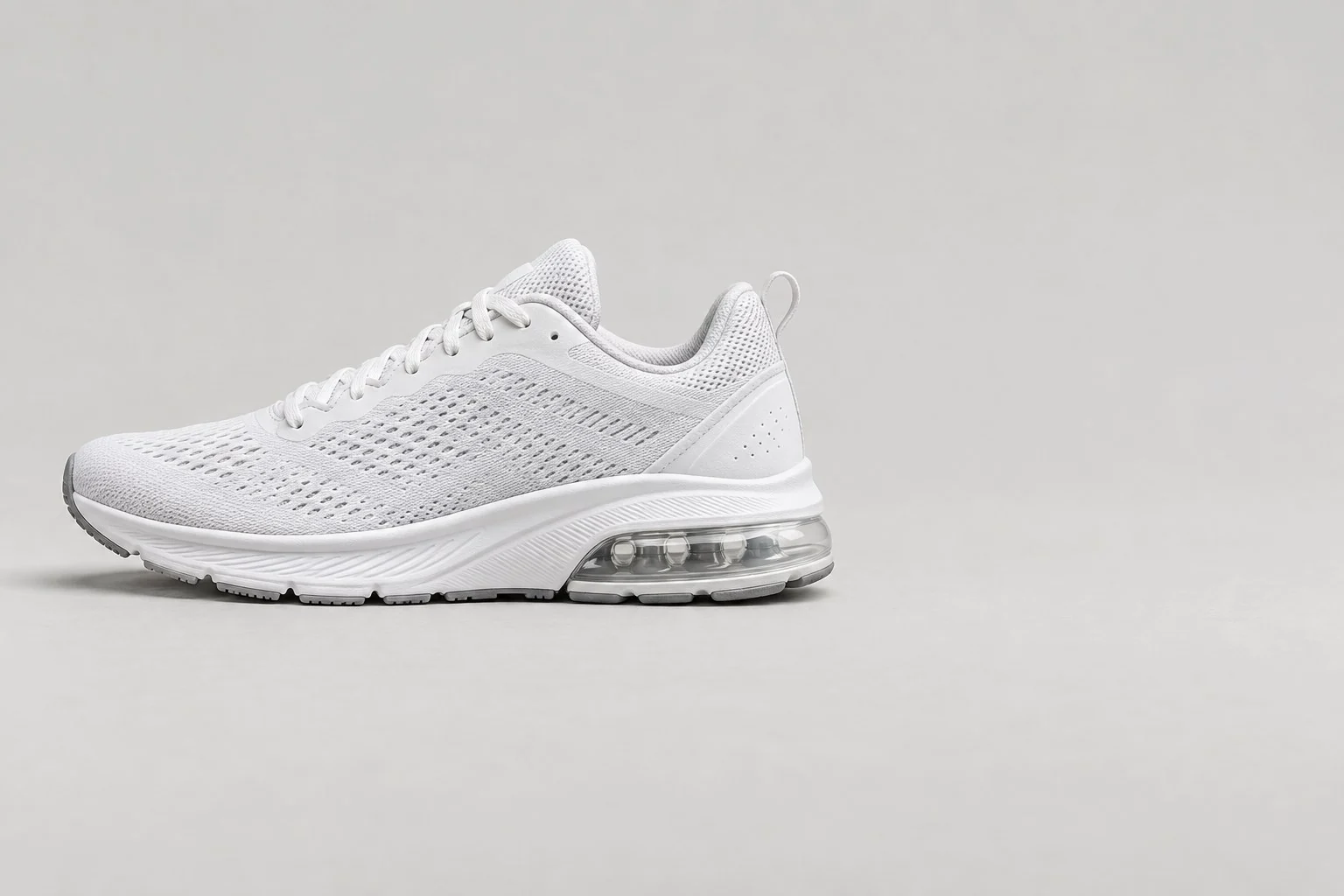
Shape
Air unit: Ellipse · Mesh upper: Rectangle · Air unit pointer: Arrow
3 × ShapeText Labels
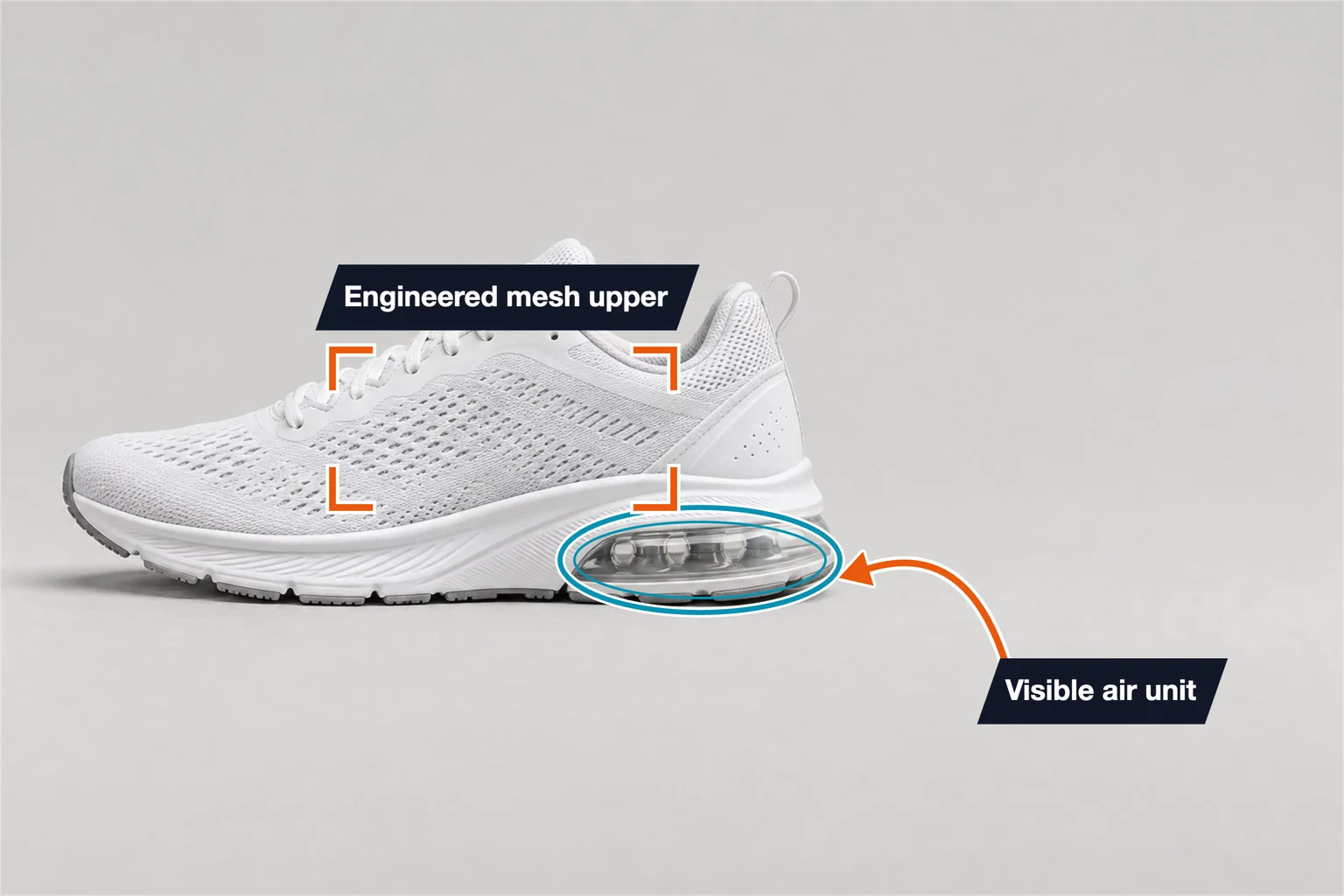
Footwear example for shoe suppliers: an ellipse and arrow pick out the visible air unit and a frame marks the mesh upper, each with a text callout.
Keep the layout. Add your photo and specifications.
Template overview
This running shoe template has 5 annotations: an ellipse, a rectangle and an arrow, plus two text callouts for the air unit and the mesh upper. The values are examples, not details of your product.
Air unit: Ellipse · Mesh upper: Rectangle · Air unit pointer: Arrow
3 × ShapeAir unit: Visible air unit · Upper: Engineered mesh upper
2 × TextSpecifications
These are example values. Replace them with your product’s verified measurements and specifications.
| Annotation | Value |
|---|---|
| Air unit | Ellipse |
| Mesh upper | Rectangle |
| Air unit pointer | Arrow |
| Annotation | Value |
|---|---|
| Air unit | Visible air unit |
| Upper | Engineered mesh upper |
Getting started
Start with this editable example in the SizeMarker editor.
Replace the image and adjust the markers to fit your product.
Enter your actual measurements and specifications, check every label, then export.
FAQ
It circles the heel air unit with an ellipse and points an arrow at it under the callout "Visible air unit", and frames the upper under "Engineered mesh upper".
Yes. Open the template in SizeMarker, replace the photo, move the ellipse, frame and arrow onto your product and edit the callouts and styles. Check every value before exporting.
Only if it describes your shoe. The callouts are examples; name the cushioning and upper material your product actually uses, and avoid performance claims you have not tested.
Make it yours
Keep the layout. Add your photo and specifications.