
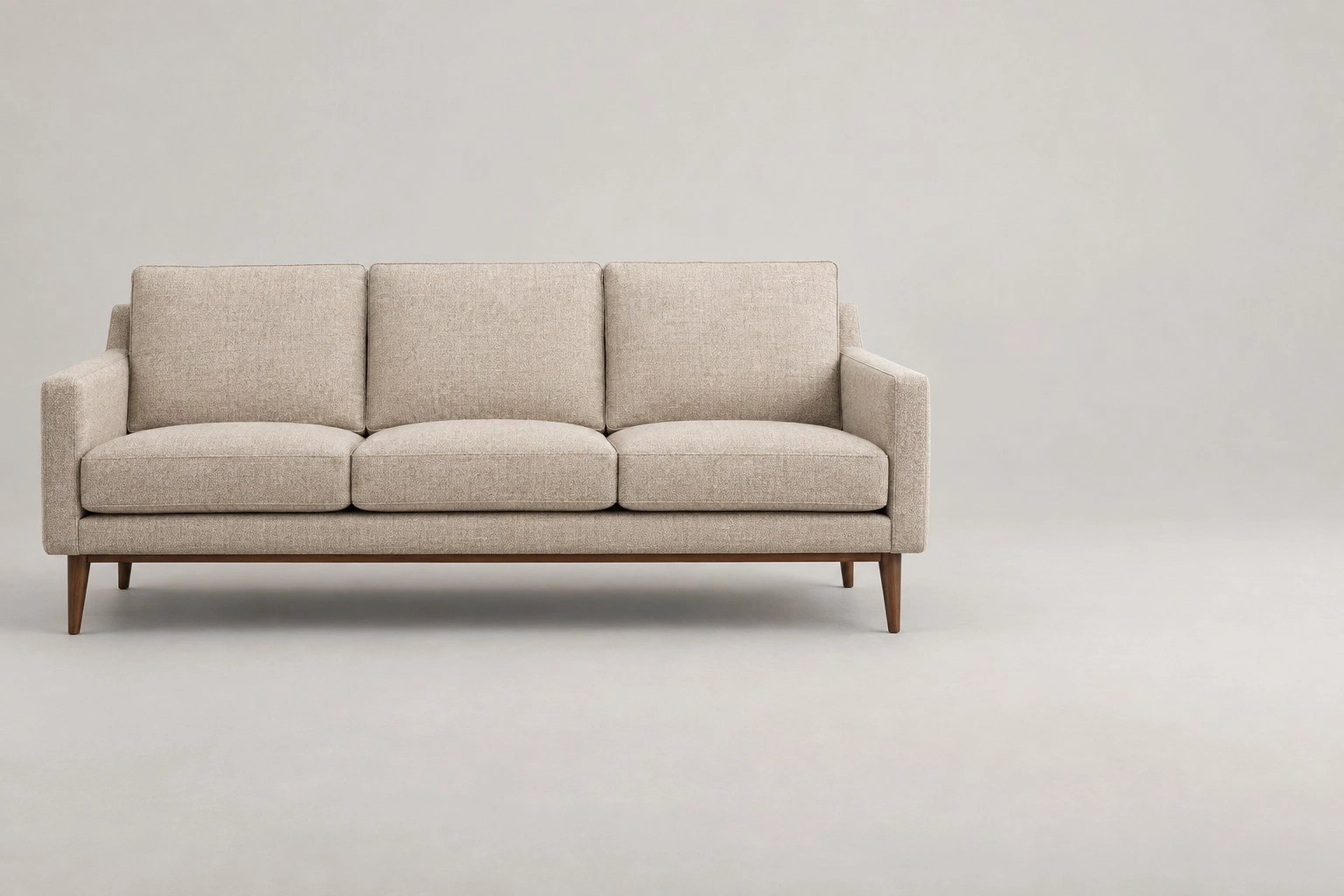
Dimension
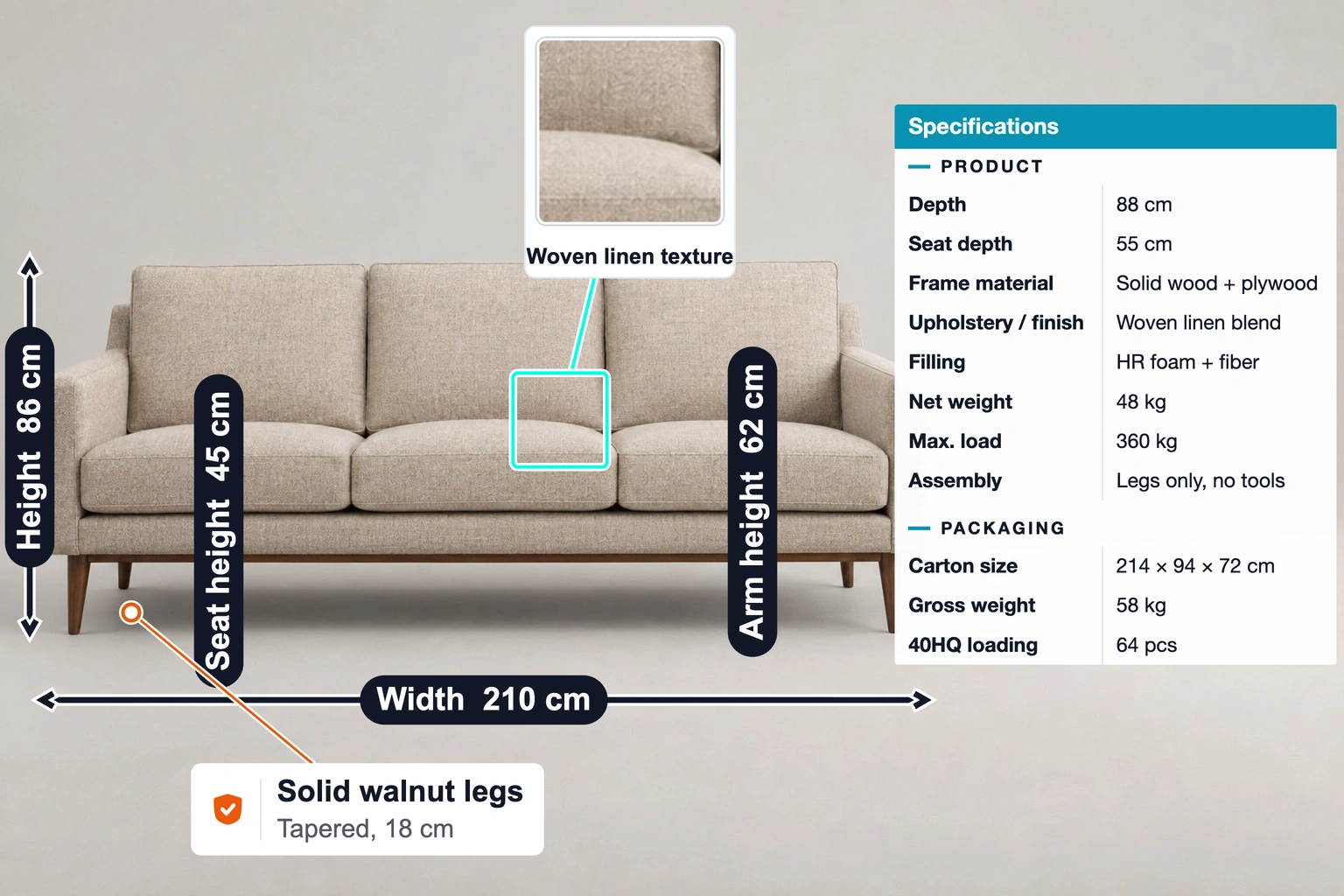
Width: 210 cm · Height: 86 cm · Seat height: 45 cm · Arm height: 62 cm
4 × DimensionUse Case
A sofa template with dimensions, specifications, a fabric close-up and a leg feature label. Add your product photo and verified details.
Keep the layout. Add your photo and specifications.
Template overview
This example includes 7 annotations: Dimension, Specification table, Detail zoom, Feature label. The values are illustrative, not measurements of your product.
Width: 210 cm · Height: 86 cm · Seat height: 45 cm · Arm height: 62 cm
4 × DimensionSpecifications: Depth: 88 cm · Seat depth: 55 cm · Frame material: Solid wood + plywood
1 × Specification tableDetail zoom: Woven linen texture · Zoom in: 2×
1 × Detail zoomFeature label: Solid walnut legs — Tapered, 18 cm
1 × Feature labelSpecifications
These are example values. Replace them with your product’s verified measurements and specifications.
| Annotation | Value |
|---|---|
| Width | 210 cm |
| Height | 86 cm |
| Seat height | 45 cm |
| Arm height | 62 cm |
| Annotation | Value |
|---|---|
| PRODUCT | |
| Depth | 88 cm |
| Seat depth | 55 cm |
| Frame material | Solid wood + plywood |
| Upholstery / finish | Woven linen blend |
| Filling | HR foam + fiber |
| Net weight | 48 kg |
| Max. load | 360 kg |
| Assembly | Legs only, no tools |
| PACKAGING | |
| Carton size | 214 × 94 × 72 cm |
| Gross weight | 58 kg |
| 40HQ loading | 64 pcs |
| Annotation | Value |
|---|---|
| Detail zoom | Woven linen texture |
| Zoom in | 2× |
| Annotation | Value |
|---|---|
| Feature label | Solid walnut legs — Tapered, 18 cm |
Getting started
Start with this editable example in the SizeMarker editor.
Replace the image and adjust the markers to fit your product.
Enter your actual measurements and specifications, check every label, then export.
FAQ
This example includes 7 annotations: Dimension, Specification table, Detail zoom, Feature label. The values are illustrative, not measurements of your product.
Yes. Open the template, replace the photo and adjust the annotation positions, styles and values before exporting.
No. Enter measurements and specifications you have verified for your product.
Make it yours
Keep the layout. Add your photo and specifications.