
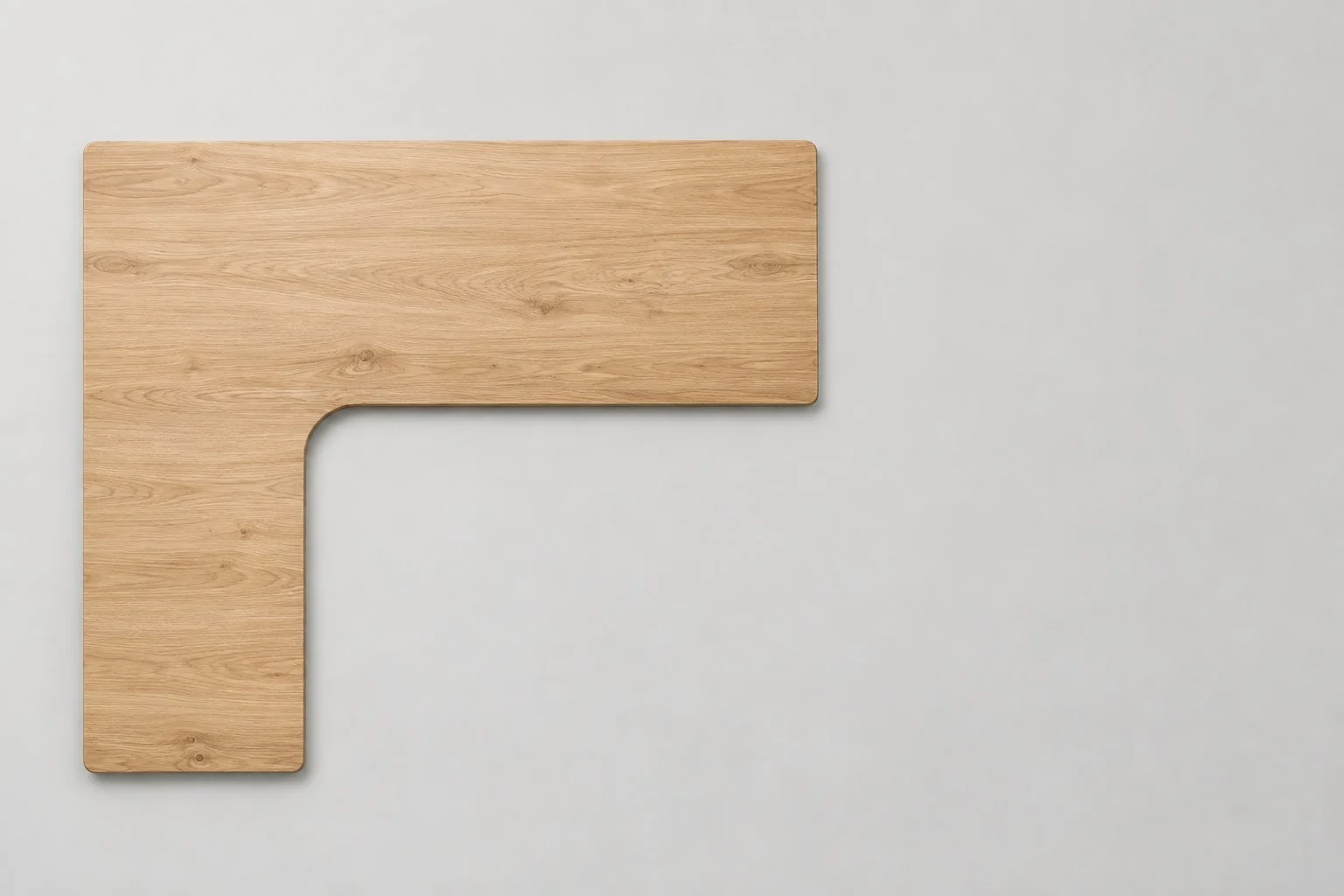
Dimension
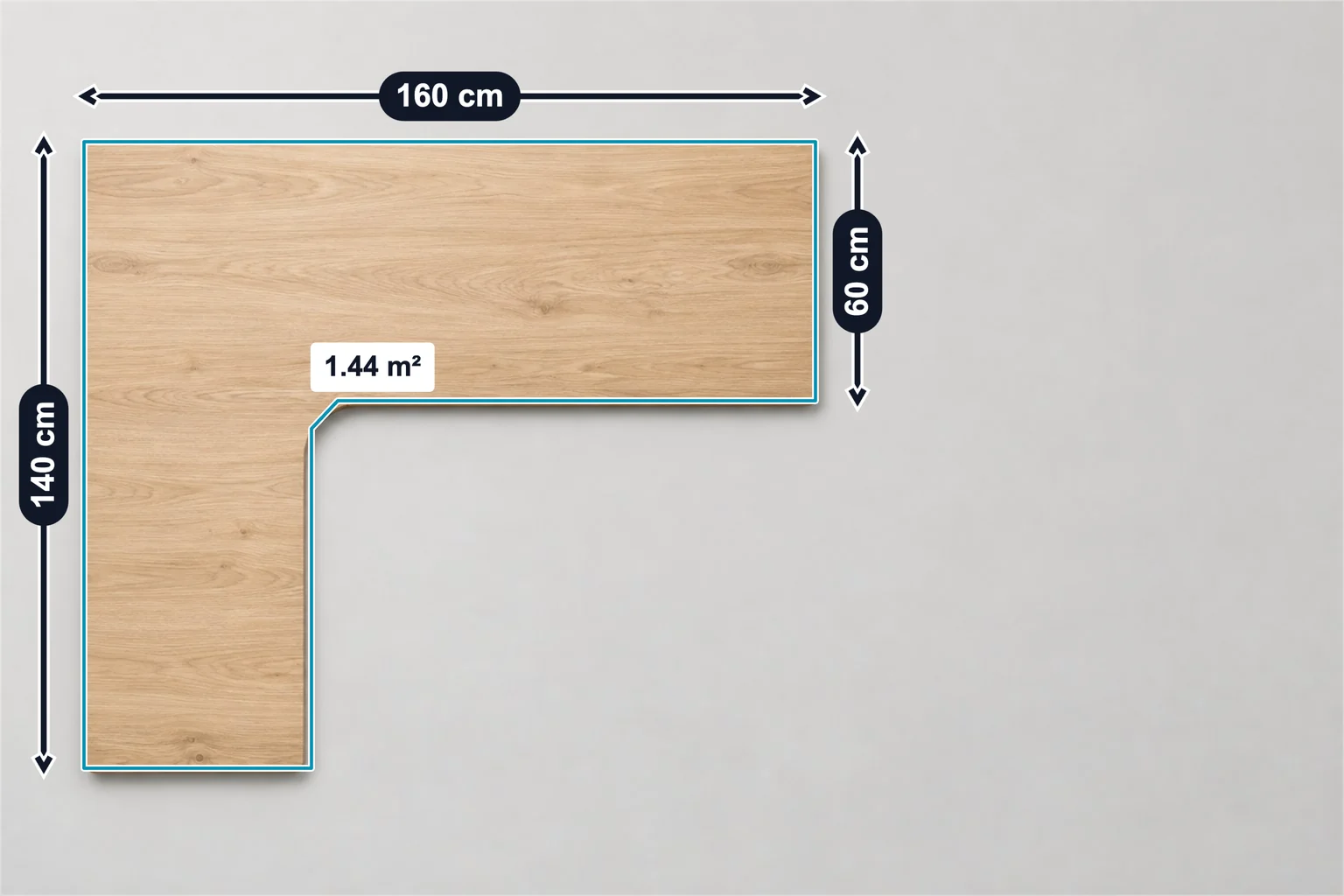
Overall width: 160 cm · Return length: 140 cm · Desk depth: 60 cm
3 × DimensionSize Labels
Office furniture example: L-shaped desk top with 160 cm width, 140 cm return and 60 cm depth lines and a 1.44 m² area marker. Add your top sizes.
Keep the layout. Add your photo and specifications.
Template overview
This L-shaped desk top template has 4 annotations: three dimension lines for width, return length and depth, and an area marker that outlines the top. The values are examples, not measurements of your product.
Overall width: 160 cm · Return length: 140 cm · Desk depth: 60 cm
3 × DimensionTop area: 1.44 m²
1 × AreaSpecifications
These are example values. Replace them with your product’s verified measurements and specifications.
| Annotation | Value |
|---|---|
| Overall width | 160 cm |
| Return length | 140 cm |
| Desk depth | 60 cm |
| Annotation | Value |
|---|---|
| Top area | 1.44 m² |
Getting started
Start with this editable example in the SizeMarker editor.
Replace the image and adjust the markers to fit your product.
Enter your actual measurements and specifications, check every label, then export.
FAQ
It marks 160 cm overall width, 140 cm return length and 60 cm desk depth, and outlines the L-shaped top with a 1.44 m² area.
Yes. Open the template in SizeMarker, replace the photo, move the lines and the area outline onto your top and edit the values, labels and styles. Check every value before exporting.
No. The sizes and area are examples. Measure your own top and enter its width, return, depth and area before exporting.
Make it yours
Keep the layout. Add your photo and specifications.