
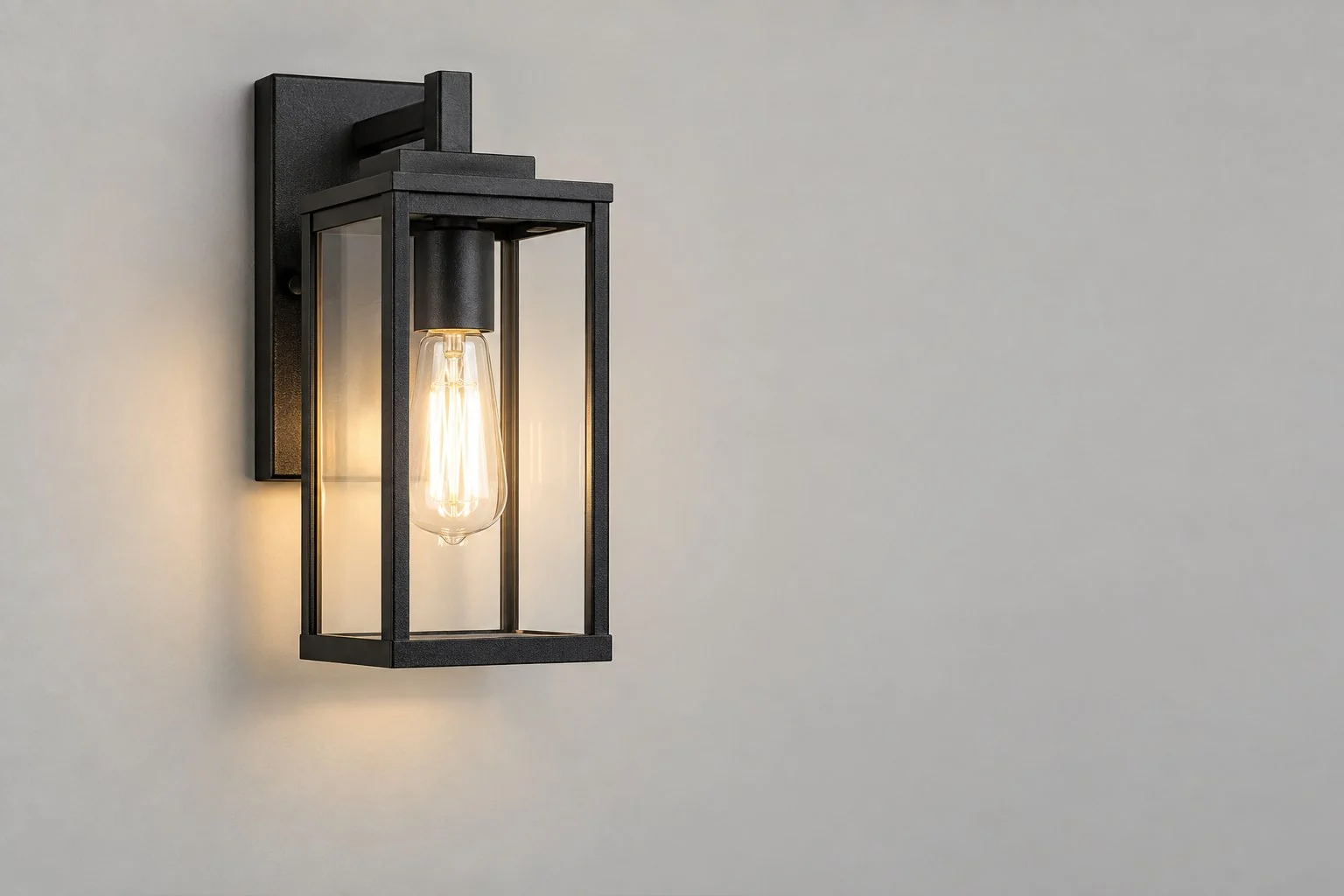
Shape
Bulb area: Rectangle · Light direction: Arrow · Light direction: Arrow
3 × ShapeText Labels
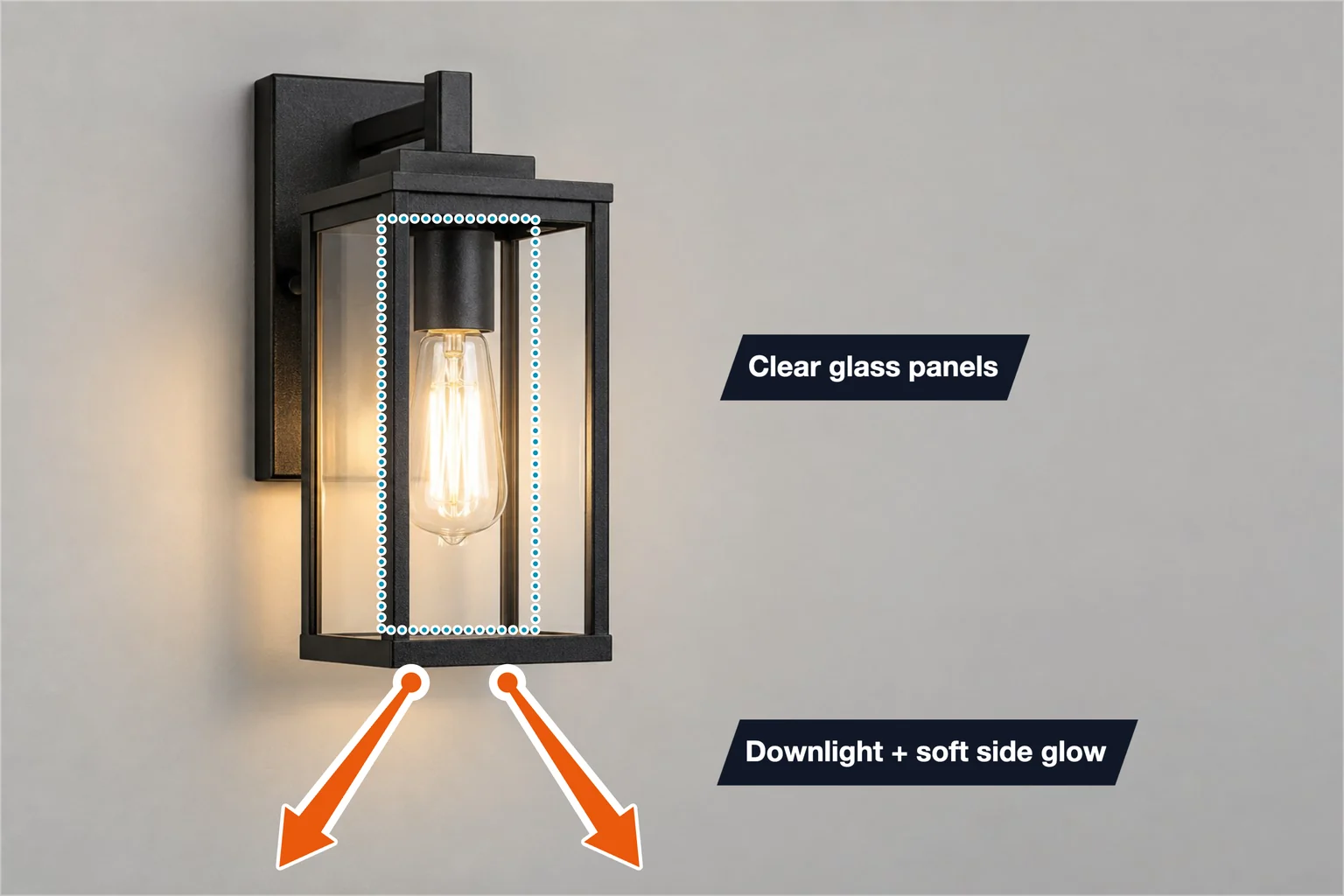
Lighting example for lamp suppliers: a dotted frame marks the bulb area and two arrows show the light direction, with callouts for the glow and glass panels.
Keep the layout. Add your photo and specifications.
Template overview
This wall light template has 5 annotations: a dotted rectangle around the bulb area, two arrows for light direction and two text callouts. The values are examples, not details of your product.
Bulb area: Rectangle · Light direction: Arrow · Light direction: Arrow
3 × ShapeLight effect: Downlight + soft side glow · Shade: Clear glass panels
2 × TextSpecifications
These are example values. Replace them with your product’s verified measurements and specifications.
| Annotation | Value |
|---|---|
| Bulb area | Rectangle |
| Light direction | Arrow |
| Light direction | Arrow |
| Annotation | Value |
|---|---|
| Light effect | Downlight + soft side glow |
| Shade | Clear glass panels |
Getting started
Start with this editable example in the SizeMarker editor.
Replace the image and adjust the markers to fit your product.
Enter your actual measurements and specifications, check every label, then export.
FAQ
It frames the bulb area with a dotted rectangle, uses two arrows below the lantern to show light going down and out, and adds callouts for downlight with soft side glow and clear glass panels.
Yes. Open the template in SizeMarker, replace the photo, move the frame and arrows onto your light and edit the callouts and styles. Check every value before exporting.
Only if it is tested for that. The template states no IP rating or outdoor use, and the light effect and glass text are examples; add wattage, IP rating or certifications only from your own test reports.
Make it yours
Keep the layout. Add your photo and specifications.