
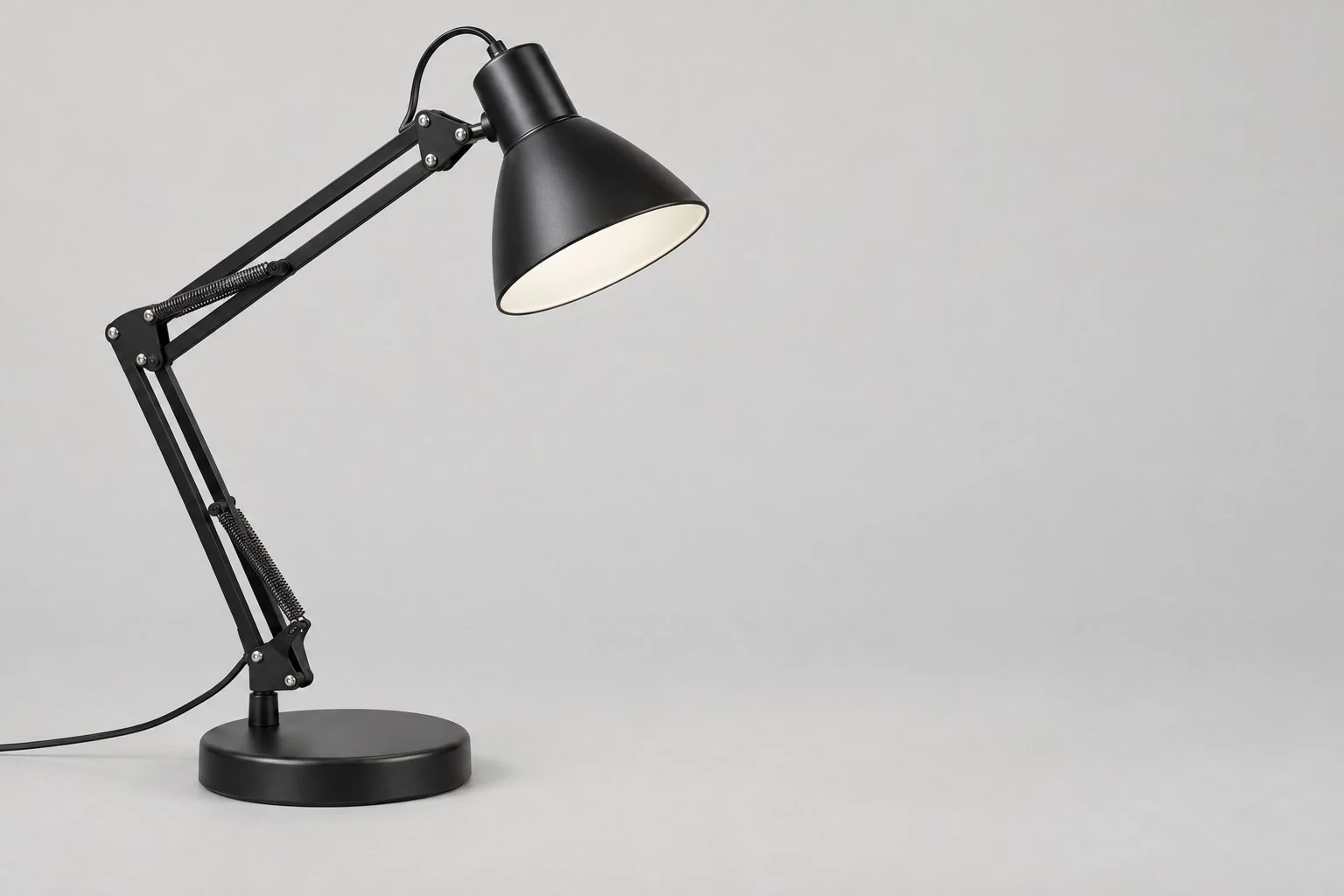
Angle
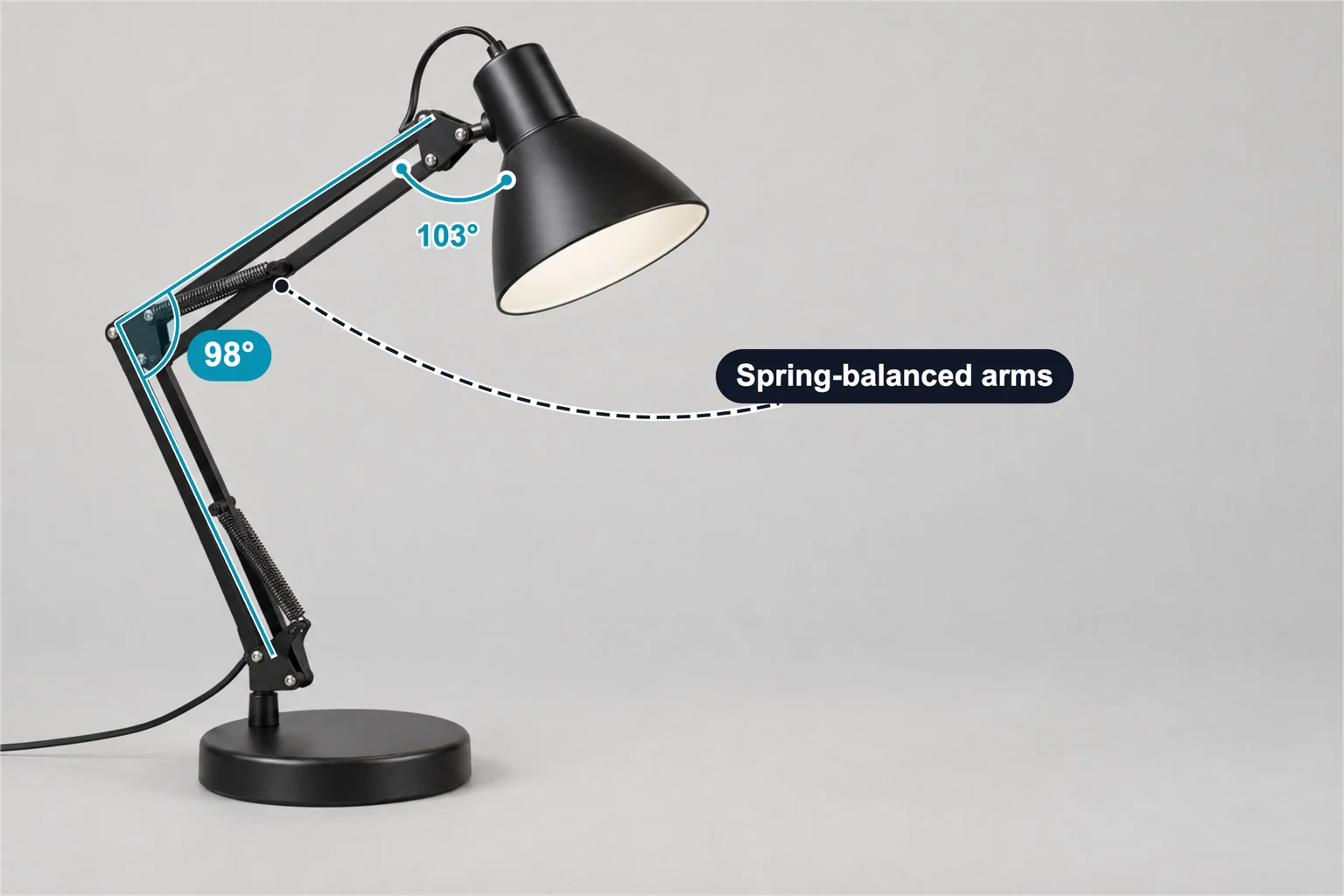
Elbow angle: 98° · Head angle: 103°
2 × AngleSize Labels
Lighting example for lamp suppliers: 98° elbow and 103° head angles on a swing-arm desk lamp, plus a spring-balanced arms label. Add your photo and data.
Keep the layout. Add your photo and specifications.
Template overview
This desk lamp template has 3 annotations: two angle markers at the elbow and the head joint, and a feature label pointing to the arm springs. The values are examples, not measurements of your product.
Elbow angle: 98° · Head angle: 103°
2 × AngleArms: Spring-balanced arms
1 × Feature labelSpecifications
These are example values. Replace them with your product’s verified measurements and specifications.
| Annotation | Value |
|---|---|
| Elbow angle | 98° |
| Head angle | 103° |
| Annotation | Value |
|---|---|
| Arms | Spring-balanced arms |
Getting started
Start with this editable example in the SizeMarker editor.
Replace the image and adjust the markers to fit your product.
Enter your actual measurements and specifications, check every label, then export.
FAQ
It shows a 98° angle between the lower and upper arm, a 103° angle between the upper arm and the shade, and labels the spring-balanced arms.
Yes. Open the template in SizeMarker, replace the photo, move each angle and the label onto your product and edit the values and styles. Check every value before exporting.
No. Each angle follows the lines drawn on the photo, so camera perspective and the pose of the arms affect it. Treat them as an illustration of one position and give the real adjustment range from your product data.
Make it yours
Keep the layout. Add your photo and specifications.