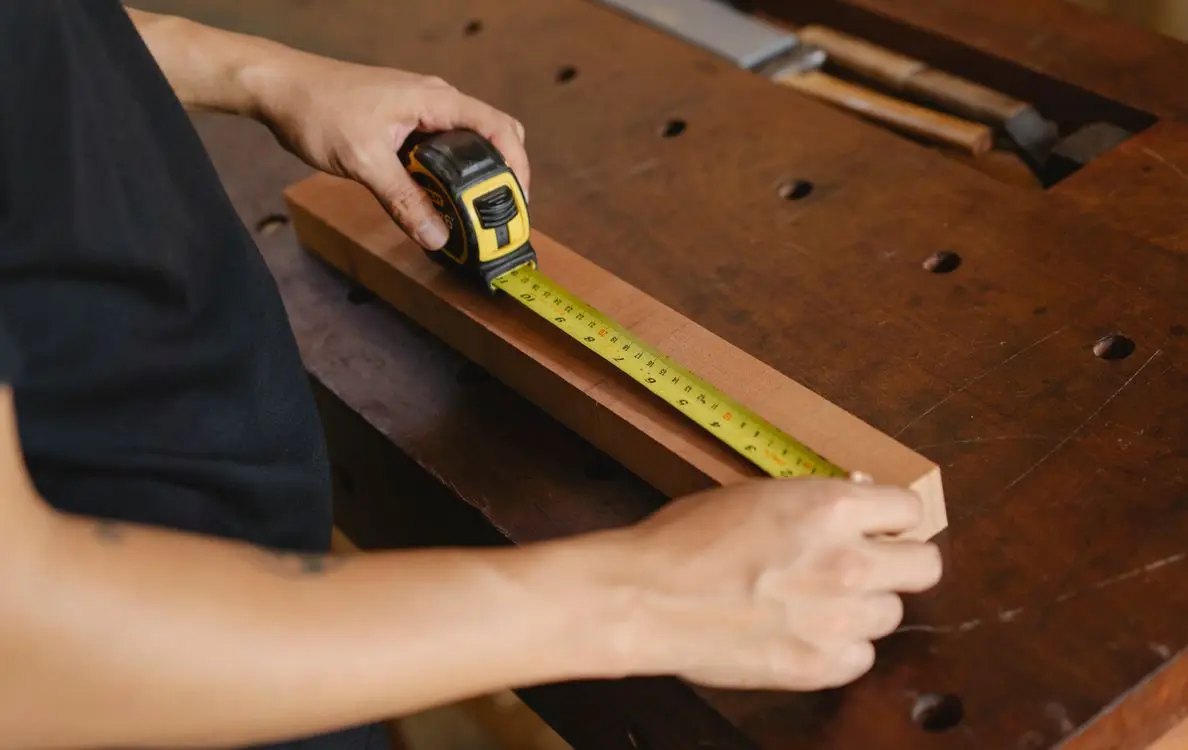
Product video vs images is the wrong either-or to argue about. Your best product video still ends with the same message in your inbox: "Hi, what's the depth on this one?" Video sells motion, scale, and how a product works. It does not close a buyer who is stuck on a single number — and on most marketplaces, the buyer who needs that number never presses play at all.
So the real question isn't "which is better." It's "which one answers the question that's actually blocking the sale." For furniture, industrial parts, and building materials, that question is almost always size, and the format that answers it is a still image with the measured dimensions printed where buyers look.
Product video vs images: what each format can and can't do
Treat video and images as two tools with different jobs, not two candidates for the same slot. Video wins on sequence and confidence; a dimensioned still wins on the one thing video is worst at — a number the buyer can read, zoom into, and forward to their own customer.
| What the buyer is asking |
Format that answers it |
Why |
| "How does it move, fold, or assemble?" |
Video |
Motion and order of steps are the whole point |
| "What does it feel like in real life?" |
Video + lifestyle still |
Context and scale, not specs |
| "What are the exact dimensions?" |
Annotated still image |
A readable number, not a moving frame |
| "Will it fit my space, my vehicle, my order?" |
In-scale still + spec image |
Compare against a known reference |
| "Can I forward this to my client for approval?" |
Spec image / spec sheet |
Static, quotable, screenshot-friendly |
That last row matters more in B2B than in retail. A wholesale buyer rarely decides alone — they forward what you send to a procurement contact or an end client. A video gets forwarded as a link that may or may not play on the other end. A dimensioned still gets dropped into an email and read in three seconds.
Does a product video increase conversion?
Yes, for the right products and placements — but the lift is smaller and more conditional than the "video doubles conversions" posts suggest. Amazon's own seller guidance states that video "can potentially improve customers' likelihood to purchase your product, increase your sales, and help reduce customer returns," and it names the formats that work: product overview, unboxing, how-to, setup, troubleshooting, and brand story.
Amazon also publishes the placement rule most sellers miss: your video only appears in the main image block if the listing has fewer than six images. Push a seventh image and the video silently drops out of the block where buyers actually look. So "add video" and "add more images" fight each other unless you decide the order on purpose. The Amazon product video requirements that actually matter here aren't about resolution — they're about placement.
On the video-length side, Amazon's own recommendation is 30 to 90 seconds for most products, up to about two minutes when the product needs explaining. A 90-second clip can demonstrate a mechanism beautifully. It still cannot hold a stable 42 cm label still enough for a buyer to read it, screenshot it, and paste it into a purchase order.
Why buyers still ask "how big is it?" after watching your video
Because most of them never watch it, and the ones who do still can't measure from it.
Baymard Institute's product-page research found that 56% of users' first action on a product page is to start exploring the images — before reading the title, the description, or scrolling. Separately, 42% of users try to gauge a product's size directly from its images. Size isn't a detail they check later; it's part of how they decide whether to keep reading.
On video specifically, Baymard's finding is blunt: a large group of users will not watch product videos at all, so a video should only add scale information — it should never be the only place the size lives. If your dimensions appear only inside a video, a meaningful slice of your traffic never sees them.
And video is the format least suited to holding a measurement. A buyer can't pinch-zoom a frame to read a 6 mm label, can't screenshot a single clean spec frame, and can't quote "about 1:07 into the video." A still image does all three without asking anything of the viewer.
What is an in-scale product image — and why do 28% of listings skip it?
An in-scale product image is a still that shows the product next to a reference of known size — a human, a common object, or a dimensioned outline — so a buyer can judge real-world size without a tape measure.
It's the single most under-used image type in e-commerce. Baymard's benchmark of 60 major sites found that 28% provide no in-scale image at all, even for their best-selling products. Two related gaps stack on top of it:
- 52% of sites don't use descriptive text or graphics on any product image — so even a well-shot photo leaves the dimensions unstated.
- 25% of sites don't provide images with enough resolution or zoom for buyers to inspect details — and on mobile, 40% of top sites don't support product image zoom via pinch or tap at all.
That combination is exactly why size questions keep arriving. The buyer tried to find the number, couldn't zoom to it, couldn't read it, and gave up in favor of asking you.
How to put measured dimensions on a still image
The workaround most sellers reach for — drawing arrows and text boxes in a photo editor — breaks the moment a buyer zooms in. The leader lines drift off the edge, the number sits in a spot the platform's crop cuts off, and re-exporting at a different aspect ratio smears the label.
What actually fixes it is locking the real, measured dimension onto the image where buyers look: snap-to-edge measurement that pins the true size, then a one-click export at each platform's spec-diagram size so the crop never eats the label. That's the difference between a number that was measured and one an AI image generator invented — a plausible-looking dimension is worse than no dimension, because the buyer trusts it. An annotated product image is only as trustworthy as the measurement behind it.
For a worked example of what this looks like on a real listing, see the annotated furniture listing example. For the buyer-facing version that survives forwarding and quoting, the spec sheet buyers actually read is the format to build. If you're stacking images and video on one listing, start from the Amazon listing image stack so the two don't compete for the same slot, and keep your exports at a resolution that survives zoom — the 300 DPI vs 72 DPI product images breakdown explains why pixel count, not DPI, is what the zoom feature reads.
How many images and videos should a listing have?
There's no universal number, but there is a workable default for size-sensitive products. The rule: the size question must be answered inside the first two or three assets, before the buyer has to hunt. There's also no fixed product video vs images ratio that fits every category — a mechanical part needs more video than a static cabinet does — so decide by which question is blocking the sale.
| Asset slot |
What it should be |
What it's doing |
| 1 (hero) |
Clean cut-out on white |
Platform compliance, thumbnail clarity |
| 2 |
Annotated spec image with W × D × H |
Answers size immediately, survives zoom |
| 3 |
In-scale still (human or known object) |
Turns numbers into a felt sense of size |
| 4 |
Lifestyle / in-use still |
Context and desire |
| 5 |
Detail / material close-up |
Quality and finish confidence |
| 6 |
Video (30–90 s) |
Motion, mechanism, assembly |
Two things about this order. First, the annotated spec image belongs at slot 2, not buried at slot 7 — the buyer who needs size shouldn't have to scroll for it. Second, if you want the video to appear in Amazon's main image block, keep the total image count under six; adding a seventh image can push the video out of the block entirely.
The 6-image stack that closes the size question
Run this before you publish or republish any size-sensitive listing:
FAQ
Do product videos actually increase conversion?
They can, but conditionally — Amazon's own guidance says video can improve purchase likelihood and reduce returns, while Baymard's testing shows a large share of shoppers never watch product videos. Treat video as a supplement that adds motion and confidence, not as a replacement for a still image that states the dimensions.
Should I use video or photos for a product listing?
Use both, but assign them different jobs. Video handles motion, assembly, and mechanism; a still annotated image handles the exact dimensions and the "will it fit" decision. If you can only invest in one first, invest in the still — it's the format buyers can zoom, screenshot, and forward, and it's what answers the question that blocks the order.
How many images can I add before my Amazon video stops showing?
Amazon places your video in the main image block only when the listing has fewer than six images. If the video is a priority, cap the image count below that threshold; if a seventh image is non-negotiable, accept that the video moves below the fold.
What size should a product image be so buyers can zoom to read the dimensions?
Large enough that the smallest label stays sharp at full zoom. As a working rule, keep the source image at the platform's maximum useful resolution and never let the dimension text be the smallest element — Baymard found that 25% of sites fail the resolution-or-zoom test, and 40% of mobile sites don't even support pinch-to-zoom. Export spec images at a size that survives both.
Can an AI-generated product image show accurate dimensions?
Only if the number is measured, not generated. An AI image generator can produce a convincing-looking label with a plausible number, but the value is invented. For anything a buyer will order against, the dimension has to come from a measured geometry — the label is only as trustworthy as the measurement behind it.
Sources & References