
B2B & Suppliers
Nominal vs Actual Dimensions: Why a 2x4 Isn't 2 Inches
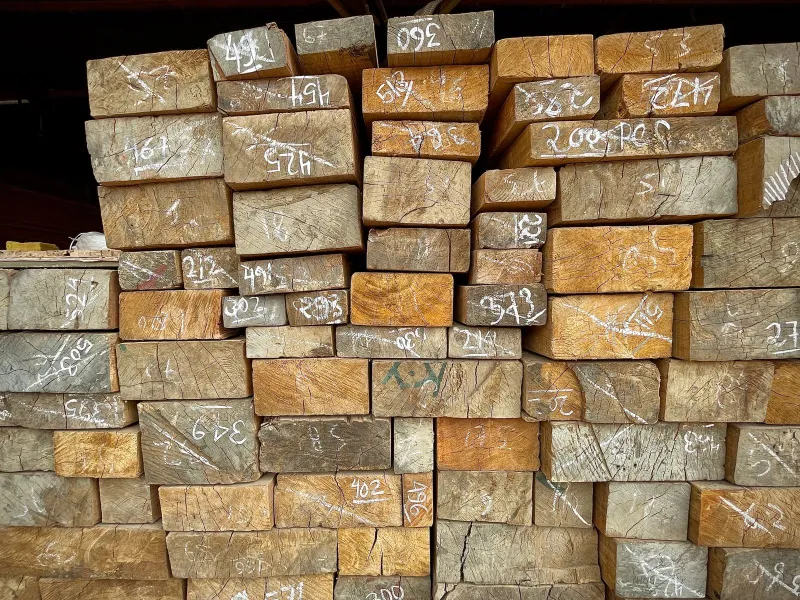
Nominal vs actual dimensions: why a 2x4 is really 1.5x3.5 in, how nominal sizing works across lumber, plywood, pipe and brick, and why listings need real sizes.
نصائح وأدلة لتوضيح أبعاد منتجاتك بالصور
Nominal vs actual dimensions: why a 2x4 is really 1.5x3.5 in, how nominal sizing works across lumber, plywood, pipe and brick, and why listings need real sizes.
Global Sources image requirements, decoded: the main-image, background, format, and file-size rules suppliers must hit to win inquiries.
How to label weight capacity on product images so B2B buyers trust the load rating: static vs dynamic load, safety factors, and where to place the number.

TikTok Shop product image requirements for 2026: minimum size, 1:1 ratio, clean background rules, file limits, and why the still image still decides the sale.
Product photo callouts done right: how many to use, how long, and the 6 rules that make feature labels convert instead of clutter the image.

Wayfair image requirements for suppliers: exact resolution, white hero background, image count, and the dimension rule that decides your return rate.
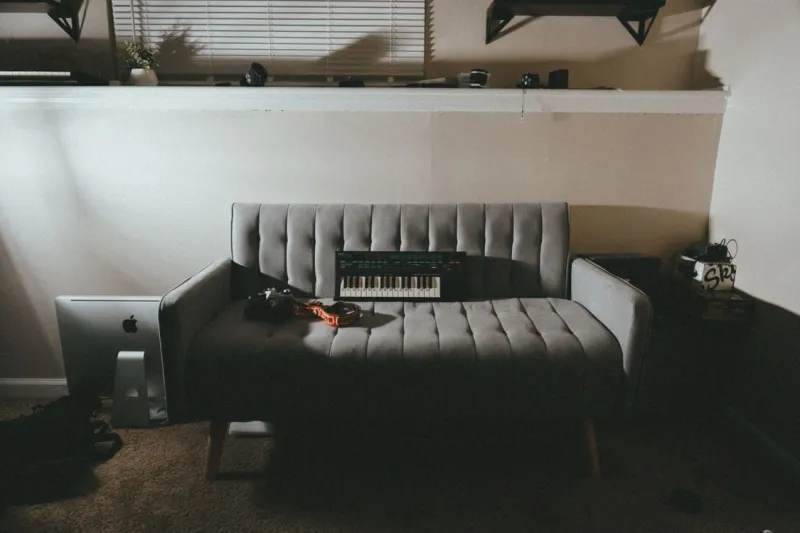
How to show product size in a photo without a model: which scale tricks actually work, which mislead buyers, and the one that removes the guesswork.
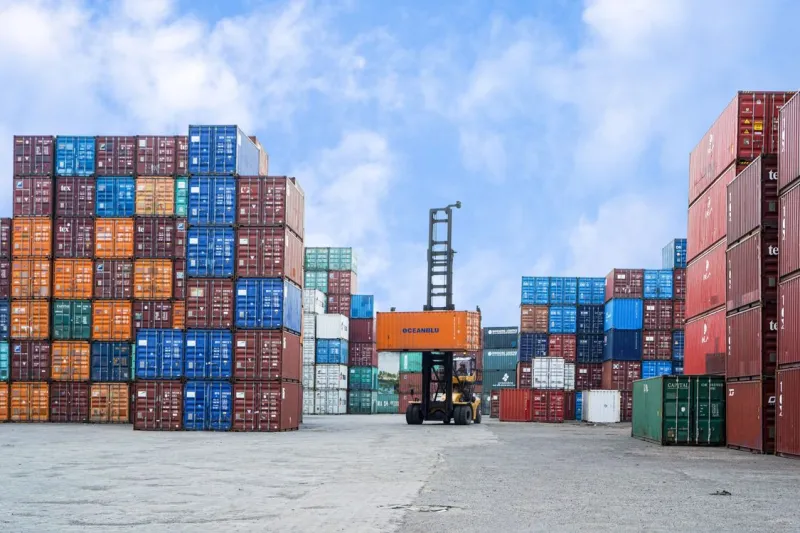
Container loading quantity explained: calculate how many units fit a 20ft, 40ft, or 40HC container from carton size — and why the real number runs lower.
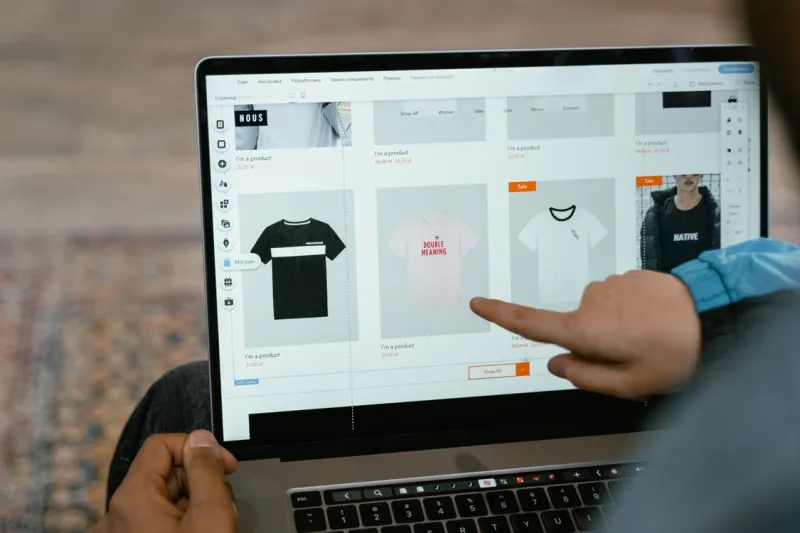
B2B marketplace image requirements compared: Alibaba, Made-in-China, and Global Sources specs, file limits, and the one image rule that wins inquiries.

Rug size returns almost always trace to one mistake: a rug too small for the room. Here are the standard sizes and the dimensions to show buyers to prevent it.
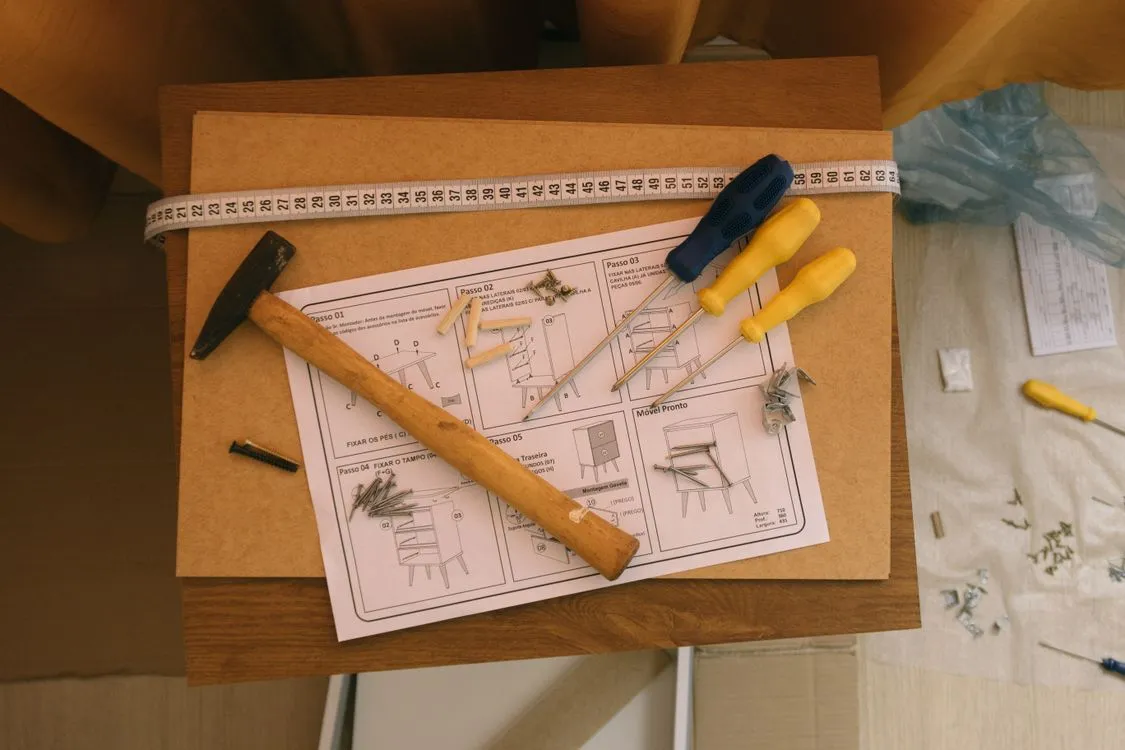
Folded and assembled dimensions are the two sizes buyers confuse most: show only one and it does not fit becomes a return. Here is how to label both states.
Product dimension tolerance decides whether an overseas buyer trusts your spec or files a mismatch claim. Here is how to set, state, and label the ± band by material.