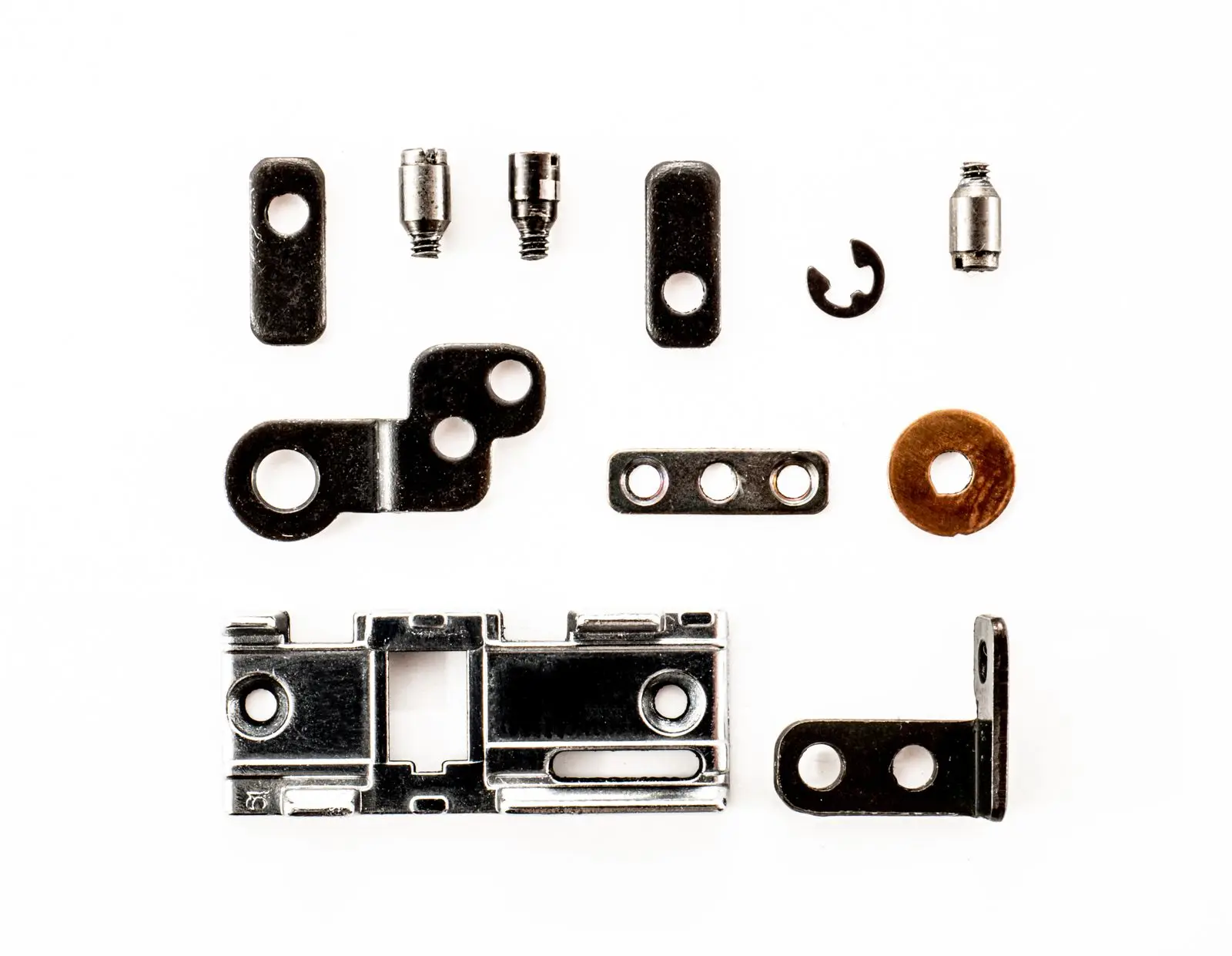
A bill of materials vs breakdown diagram mix-up stalls more export quotes than a bad drawing does. The buyer writes "send the breakdown", you attach a spreadsheet, and the reply asks for a picture. Send the labeled photo instead and their engineer wants quantities, part numbers and a material line for every component. Both documents are legitimate. They answer different questions, and the week lost between the two is the week a competitor quotes first.
Here is the split that matters: a bill of materials is the data, a breakdown diagram is the map. The BOM lists every part, material and quantity in one unit. The diagram shows where each part sits and what it looks like. Send one without the other and the buyer has to guess the half you left out.
Bill of materials vs breakdown diagram: the one-line difference
A bill of materials is a structured list of every component, subassembly, raw material and quantity required to build one sellable unit, with a part number and description for each line. A breakdown diagram is a picture of the assembled product with its parts labeled where they sit, so the buyer can see which callout belongs to which component.
That is the whole distinction, and it decides what you attach to a quote:
| Document |
Form |
What it holds |
The buyer question it answers |
| Bill of materials |
Table or spreadsheet |
Item number, part number, description, quantity per unit, material, finish, standard, weight |
"What is in it, and how many of each?" |
| Parts list (item list) |
Table, usually attached to a drawing |
The same fields, keyed to the drawing's callouts |
"Which balloon is which part?" |
| Breakdown diagram |
Labeled photo or illustration of the assembled product |
Part names and materials placed on the product itself |
"What is this made of, and where is that part?" |
| Exploded view |
Illustration with parts pulled apart in assembly order |
Position and sequence, not quantities |
"How does it go together, and in what order?" |
ISO 7573:2008, the international standard for parts lists, defines the list's job as carrying the information needed for production, procurement or maintenance, and it covers both manual and computer-generated lists. That is a list of facts. A diagram cannot carry quantities, and a BOM cannot carry position.
The fields a BOM carries that no picture can
A photo can show a buyer that a bracket exists. It cannot tell them it is 1.5 mm steel, two per unit, made to a named standard. These are the fields that turn a picture into a purchasing document.
| Field |
Example |
What breaks without it |
| Item number |
1 to 24 |
The buyer cannot match a BOM line to a balloon on the diagram |
| Part number |
CAB-HNG-35 |
Two suppliers quote the same "soft-close hinge" and mean different products |
| Description |
Soft-close concealed hinge, 35 mm cup |
Generic words invite a substitution you did not approve |
| Quantity per unit |
4 |
Costing, packing and spare-parts math all drift |
| Material and grade |
Cold-rolled steel, DC01 |
Grade is the line between a $9 and a $40 quote |
| Finish |
Nickel-plated |
Same material, different corrosion life and price |
| Standard or spec |
EN 15570 |
A claim a buyer, or a third-party inspector, can check |
| Unit weight |
0.06 kg |
Freight, HS classification and carton strength all need it |
The quantity column deserves its own warning. "12 screws" means nothing until you say 12 per cabinet, 12 per carton of six cabinets, or 12 per master carton. Buyers compare quotes on cost per unit and freight per unit; a quantity stated in the wrong unit of measure is a quote that has to be redone. On a flat-pack run of 2,000 units, a hardware bag counted per carton instead of per unit is a 12,000-piece error that shows up after the container is loaded.
What the diagram carries that no BOM can
The list has a blind spot, and it is the reason buyers keep asking for the picture. A BOM row for a shelf pin does not say which of the twelve holes the pin goes in. A row for a left-hand bracket says nothing about handedness. The diagram does four jobs the spreadsheet cannot:
- Position. It shows which face, which end, and which side of the assembly a part sits on.
- Orientation. A hinge fitted upside down is the same part number and the wrong installation.
- Loose versus fitted. A bag of bolts in the carton and a bolt already pressed into the frame are the same BOM line; only a picture or a note separates them.
- What the buyer sees. The finish on a labeled photo is what a buyer compares with the sample in their hand.
This is where a labeled product photo earns its place in a quote pack. It is faster than a CAD exploded view and it shows the actual finish, not a rendered material. Real before-and-after: a labeled furniture listing example shows how numbered callouts read on a listing image. The trade-off is coverage: one photo shows one side, so a product with a hidden mechanism still needs a second view or a section drawing. That comparison of label-the-assembled-product versus pull-it-apart is its own decision, covered in product breakdown vs exploded view.
The item number is the join key
Two documents become one answer through a single convention: the number on the drawing equals the number on the list. ASME Y14.34, the standard for associated lists, treats the parts list as the structured companion to a drawing, and each list line carries a find number that a callout balloon points back to. ISO 7573 calls the same idea an item reference.
Most of the failures are not drafting failures. They are numbering failures:
- The diagram restarts at 1 in every view. The BOM runs to 24. Nothing on the drawing points past 8, so the buyer cannot find items 9 to 24.
- The numbers change between revisions. A revision that swaps a hinge should add an item, not renumber the whole assembly and invalidate the buyer's notes.
- The list is numbered by drawing order, not by assembly. The buyer reads it as a sequence of installation steps and installs the wrong part first.
- Hardware is grouped into one line but drawn as six balloons. The buyer counts six parts against a quantity of one.
The fix is boring and it works: one numbering scheme for the whole product, stable across revisions, printed on both documents with the same revision letter and date. If your drawing is going to a service partner, keep the numbers in the spare-parts list identical to the ones in the assembly list, so an order for item 14 is unambiguous.
Where buyers and suppliers use the word "breakdown" differently
"Send the breakdown" is the most expensive ambiguous sentence in an RFQ. Read the request before you attach anything:
| What the buyer wrote |
What they usually need |
What to send |
| "Send the breakdown" |
Unclear — ask one question |
"Do you need the parts list or a labeled picture?" |
| "Parts list" or "item list" |
Data, quantities, materials |
BOM or item list |
| "Exploded view" |
Assembly sequence and how parts mate |
Exploded illustration with callouts |
| "Spare parts list" |
Serviceable parts a user can order |
Diagram plus item-numbered parts list |
| "What's in the box" |
Retail contents and count |
Labeled photo with a count, plus the packing list |
| "Material breakdown" |
Composition and grade, sometimes for customs |
BOM with material and weight columns filled in |
None of these is a stupid question. They are six different jobs that one word covers, and answering the wrong one just moves the delay later in the process — usually to the sample stage, where it costs more.
Which document to send, by buyer job
| The buyer's next step |
Send |
Because |
| Costing and comparing quotes |
BOM with part numbers and quantities |
The price is built line by line |
| Procurement or a second-source request |
BOM plus the standard or spec column |
They are buying to a specification, not a photo |
| Assembly or installation |
Exploded view plus a numbered parts list |
Sequence and position are the question |
| After-sales service |
Diagram plus a spare-parts list |
The user needs to order item 14, not a cabinet |
| Customs or compliance paperwork |
BOM with material, weight and origin per line |
Description and value are declared at component level |
| Marketing or a catalog page |
Labeled product photo |
The buyer is evaluating materials and finish |
| Quality inspection |
BOM plus the drawing revision |
The inspector checks the list against the shipment |
If two rows apply, send both documents. The cost of an extra page is minutes; the cost of a resend is a week. The bill of materials vs breakdown diagram decision is really a routing question: match the document to the buyer's next step, not to the word they happened to use. For the service row, the spare parts diagram part numbers walk-through covers how to number the parts a user can actually order.
A BOM template you can copy
Three rows from a filled-in example, so the shape is obvious. Keep the column order fixed across your catalog — a buyer who reads ten of your BOMs should not have to relearn the layout each time.
| Item |
Part no. |
Description |
Qty/unit |
Material / grade |
Finish |
Standard |
Unit kg |
| 1 |
CAB-SIDE-18 |
Cabinet side panel, 18 mm |
2 |
MDF, E1 |
Melamine, white |
EN 16516 (emissions) |
6.4 |
| 2 |
CAB-HNG-35 |
Concealed hinge, 35 mm cup |
4 |
Cold-rolled steel, DC01 |
Nickel-plated |
EN 15570 |
0.06 |
| 3 |
VLV-BODY-50 |
Valve body, DN50 |
1 |
Stainless steel, 1.4408 |
Machined, passivated |
EN 10213 |
2.8 |
Two fields sit outside the table and get forgotten: the revision letter and date at the top, and a notes column for anything the buyer must know but no field holds — "hardware supplied loose in a poly bag", "left and right hand differ by item 4", "finish matched to RAL 7016 sample". Notes are where a supplier prevents the follow-up email.
Pre-send checklist
FAQ
What is the difference between a BOM and a breakdown diagram?
A bill of materials is a table of parts, quantities and materials; a breakdown diagram is a labeled picture showing where those parts sit on the product. The BOM answers "what and how many", the diagram answers "which part is where", and the item number is the only thing that connects the two.
Is a BOM the same as a parts list?
Almost, and the difference is context. A parts list is a BOM attached to a drawing and keyed to its callouts; the same table standing alone in a spreadsheet is usually called a BOM. ASME Y14.34 treats parts lists as one of several associated lists prepared with a drawing, while ISO 7573 sets minimum requirements for the list itself, whether it is drawn by hand or generated from a system.
Do I need both a BOM and a breakdown diagram?
Yes, if the buyer is going to assemble, service or inspect the product. The BOM carries quantities and material grades the picture cannot show; the diagram carries position, handedness and installation order the table cannot show. For a costing-only request, the BOM alone is enough.
What should a BOM include for an export quote?
At minimum: item number, part number, description, quantity per unit, material and grade, finish, the standard behind any grade claim, and unit weight. Add origin and a spare-parts flag if the buyer handles customs or after-sales. Without the weight and material columns the buyer cannot confirm freight or classification, and the quote comes back for revision.
Can I label a product photo instead of drawing a breakdown?
For most furniture, hardware and building-material catalogues, yes — one clean photo with numbered callouts shows position and finish faster than a drawing, and it can be built from a real product rather than a CAD model. It stops working when the part is hidden inside the assembly or when the buyer needs assembly sequence; then you need an exploded or section view, not a better photo.
Sources & References