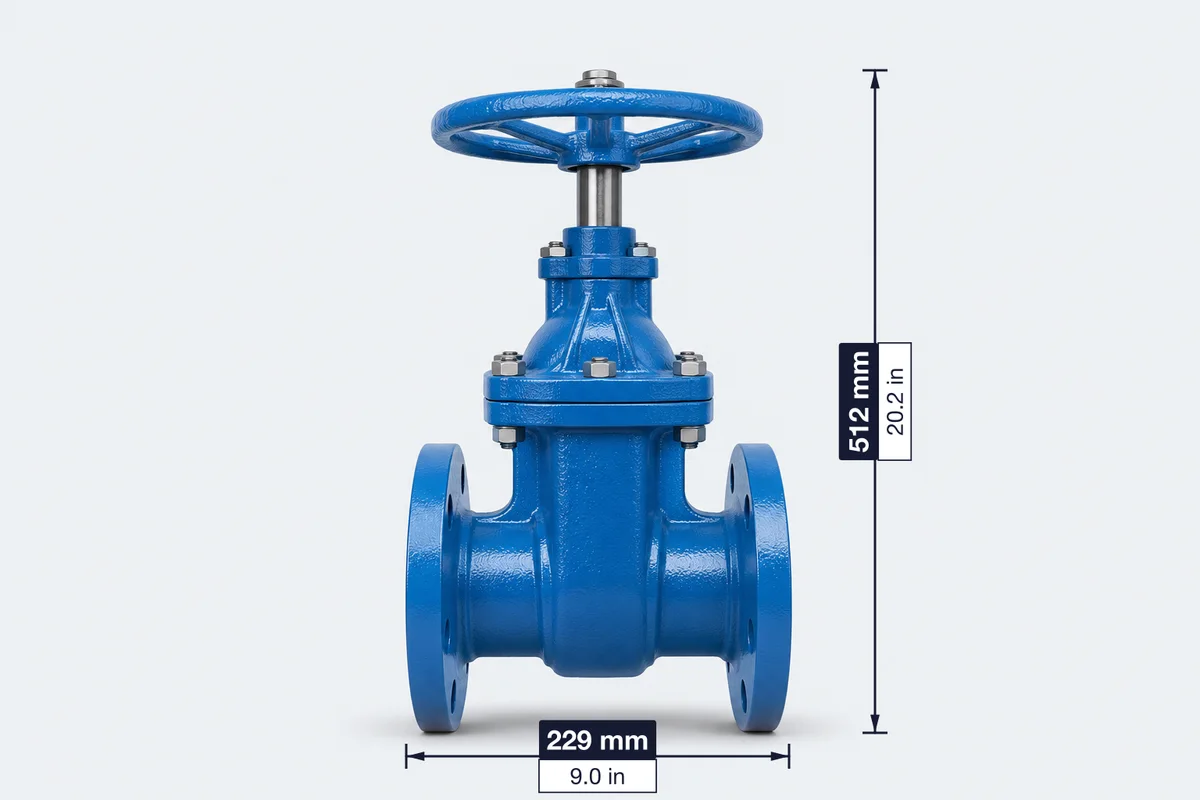
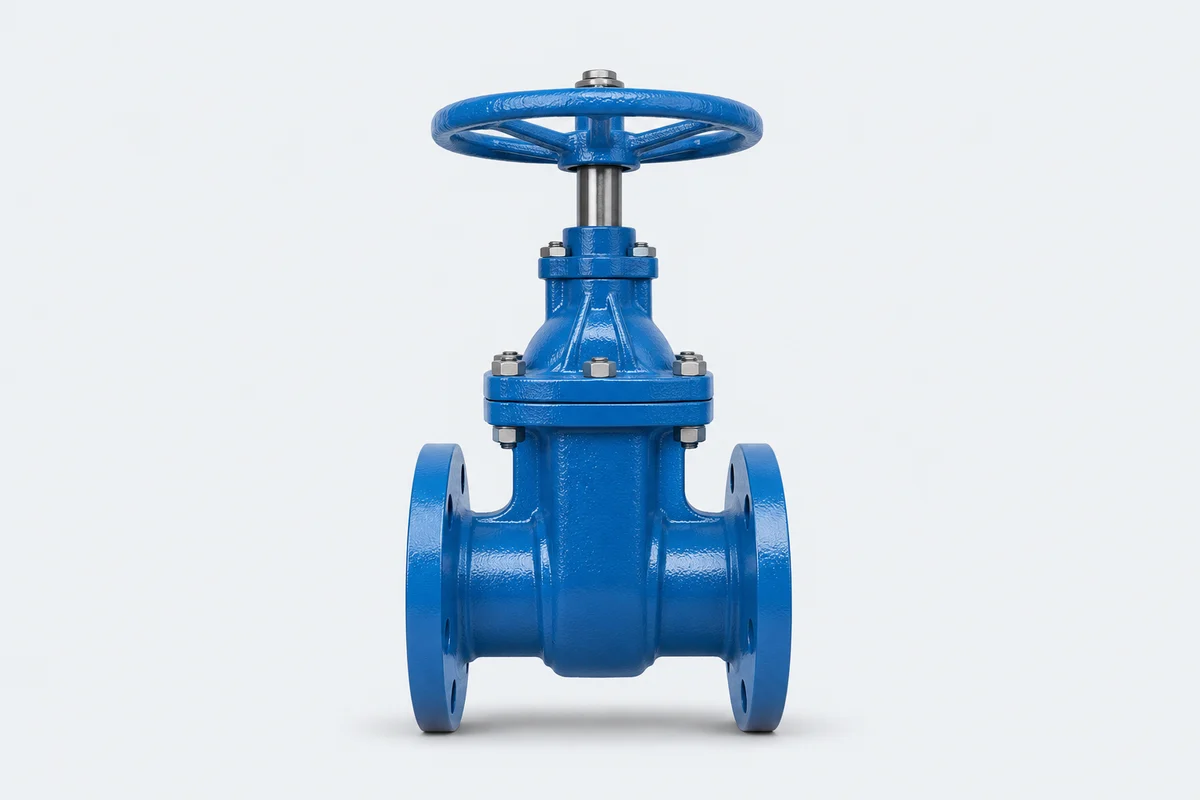
A spec sheet gives a buyer the size, material and key figures of one product on one page. Upload a product photo, mark the dimensions on it, fill in the table and download a PDF to send with your quotation.
 229 mm512 mm
JPG, PNG or WebP, up to 10 MB. Your photo stays in your browser.
The full editor adds angles, callouts, step markers and lines that snap to the product edge, on the same kind of photo.
A spec sheet answers the questions a buyer would otherwise send by email. Keep it to one page and to one product, and include only figures you can stand behind.
| Section | What to include | Why buyers need it |
|---|---|---|
| Name and model | The name you quote under and the exact model number | Ties the sheet to your quotation and to their purchase order |
| Photo with dimensions | Overall length, width and height, plus any size that decides fit | Lets the buyer check it fits before asking you |
| Material and finish | Base material, grade, coating or surface finish | Decides durability, price and whether it meets their specification |
| Ratings | Pressure, load, voltage or temperature, whichever applies | Shows the product can do the job |
| Weight | Net weight of the product, and gross weight once packed | Needed for handling and freight |
| Packaging | Carton size, units per carton, cartons per pallet | Needed for [CBM](/tools/cbm-calculator), [container loading](/tools/container-loading-calculator) and freight quotes |
| Certificates | CE, RoHS, ISO and so on, only what you can document | Buyers will ask for the certificate behind the claim |
| Company and contact | Company name, plus email, phone or WhatsApp | Sheets get forwarded inside the buyer's company |
Buyers use these names loosely, so ask what they need before you send anything. See also spec sheet vs technical drawing.
| Document | What it is | When to send it |
|---|---|---|
| Spec sheet | One page with a photo, key dimensions and main specifications | First quotation, catalogue requests, trade show follow-up |
| Technical data sheet | Fuller list of tested properties and performance figures | When an engineer is checking the product against a requirement |
| Technical drawing | Scaled drawing with tolerances, usually from CAD | When the buyer is designing around the part or approving a custom item |
| Sell sheet | Marketing page built around benefits and price | Pitching a retailer or distributor |
This tool doesn't measure anything from the photo. A dimension line shows where a size applies, and the number on it is the one you typed, so measure the real product first.
Your photo and text stay in your browser and the PDF is created on your device. Nothing is saved after you leave the page, so download the PDF when you finish.
A one-page document that shows a product's photo, key dimensions, materials and main specifications, so a buyer can decide whether it fits their needs without asking for each detail.
Yes. You can build the sheet without an account, and downloading the PDF needs a free account. Free PDFs carry a light watermark and a small credit line. Pro removes both and adds your logo.
No. You measure the real product and type the size. The line only shows where that size applies.
No. The photo stays in your browser and the PDF is created on your device.
Yes. The sheet prints whatever you type, so you can fill it in the language your buyer reads.
Not yet. Nothing is kept after you leave the page, so download the PDF when you finish.